
AI training · Technical workshops · Instructional design
Learn AI
by practising it.
A question from your team. A concrete exercise. Pointers to do it again.
Pepro builds training adapted to your use cases: understanding the tools, reviewing their answers or going as far as local models, RAG and fine-tuning. We start from the group’s level and what it wants to be able to do.
Find our starting point ↓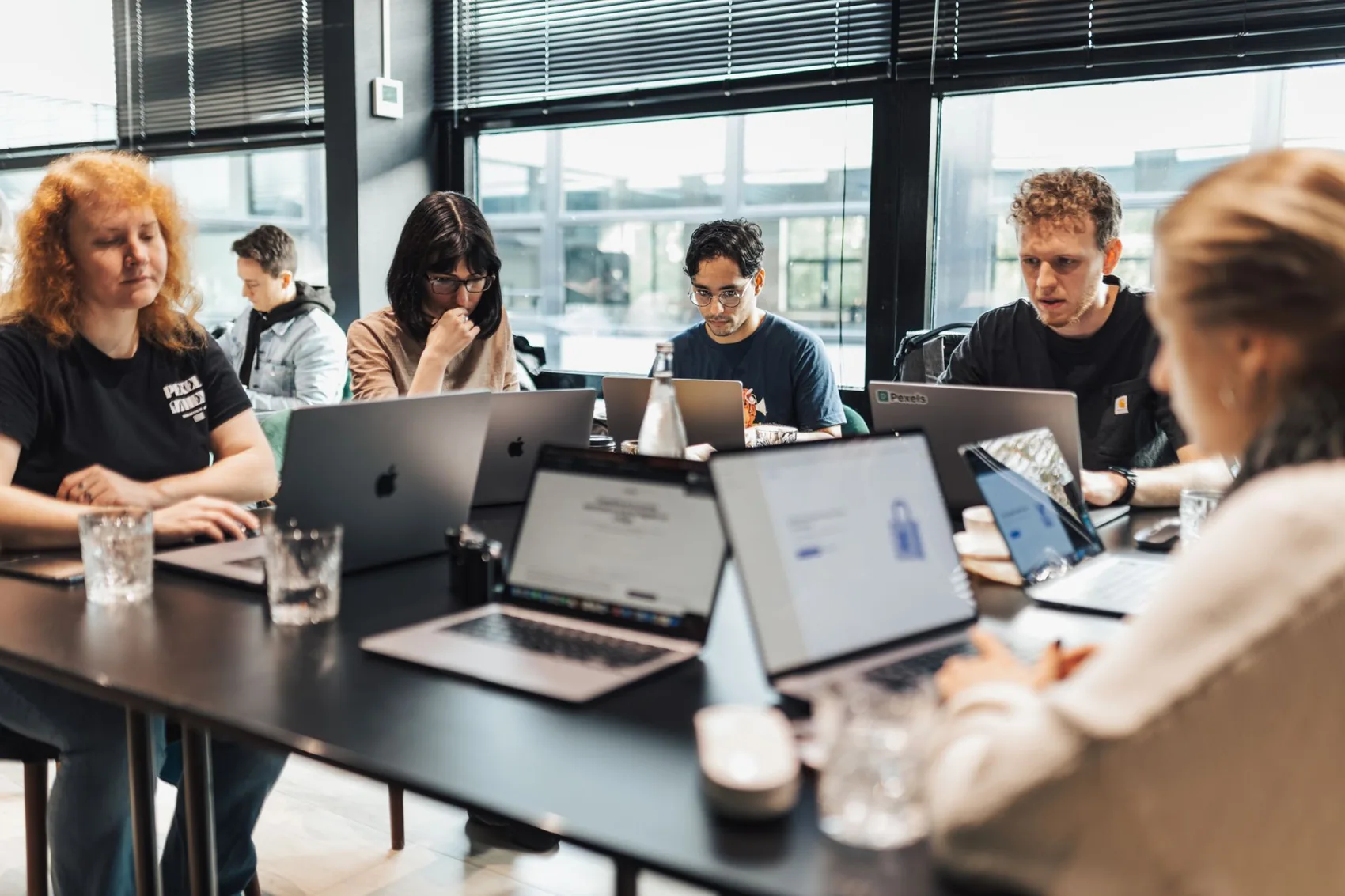
Understand.
Practise.
Learn to repeat the exercise.
For companies, technical teams and training organisations
Paris region · Remote depending on the programme
Your starting point
Training for
what you want to do.
Here are three possible directions, with sample content. They help prepare the discussion; the programme, duration and prerequisites are then defined with you.
Key concepts and everyday use
Use AI.
Apply your own judgement.
For staff who want to phrase their requests better, check answers and recognise the tool’s limits.
Everyday computer use. The programme can be designed without programming.
Turn a vague request around
Specify context, goal and format, then compare the answers obtained.
Review a plausible answer
Spot a claim to check, go back to the source and distinguish writing help from proof.
Choosing what to share
Review a work case and identify the information to protect according to company rules.
Objective to work on: take a simple task and explain what must be checked before using the result.
Development, IT and R&D
Understand the chain.
Build a first test.
For a team that wants to work hands-on with models, connect its documents or study adaptation, with criteria to evaluate the result.
To be confirmed per workshop: Python for coding exercises, command line or Linux basics for the environment.
Run and observe a model
Identify the environment, change a parameter and observe the effect on execution or answers.
Explore a document-based approach
Follow the path from question to retrieved passages to sourced answer in a RAG example.
Adapt or slim down, then compare
Review fine-tuning data or compare quantisation precisions on test cases.
Objective to define: reproduce a targeted exercise, read its results and identify the steps needed to go further. Not all these topics are combined in every session.
Technical instructional design
Technical concepts.
A teachable progression.
For organisations and teaching teams that want to create or enrich materials, exercises and sequences on AI.
An audience and objectives to identify. Available technical and teaching knowledge is reviewed together.
Turn a topic into an objective
Describe an observable action and the prerequisites to carry it out, rather than a list of tools to present.
Build a progressive exercise
Prepare instructions, data, environment and answer keys suited to the audience.
Plan for the trainer to take over
Structure explanations, anticipate difficulties and specify the resources to hand over.
Deliverables to agree: materials, exercise scenarios or technical content, depending on the assignment. Design work can be separate from delivery.
What does a workshop look like?
We try.
We observe what happens.
We adjust.
The topic and difficulty vary by group. The approach stays the same: make choices visible and leave room for questions.
Start from a recognisable task
For example, preparing a summary, finding a procedure or testing a local model. The objective and expected result are set together.
Try, then compare
You test an approach, review the answers and spot the errors. Demonstrations introduce the exercises; the debrief helps understand what changes.
Try again with less help
A similar case checks what has been understood. Remaining questions guide the correction and the next steps.
A prepared workshop goes better
The right level.
The right tools.
A clear framework.
Time spent together must serve learning. Before the session, we identify points that could hold back practice.
Who is coming, and to do what?
Roles, experience, technical comfort and objectives: a no-code introduction and a fine-tuning workshop do not require the same preparation.
Access and hardware planned
Computers, software, accounts, network and any compute are reviewed according to the programme. A technical session may require advance preparation.
Data that can be used
We agree on the authorised documents and information. Fictitious or anonymised cases can replace sensitive files.
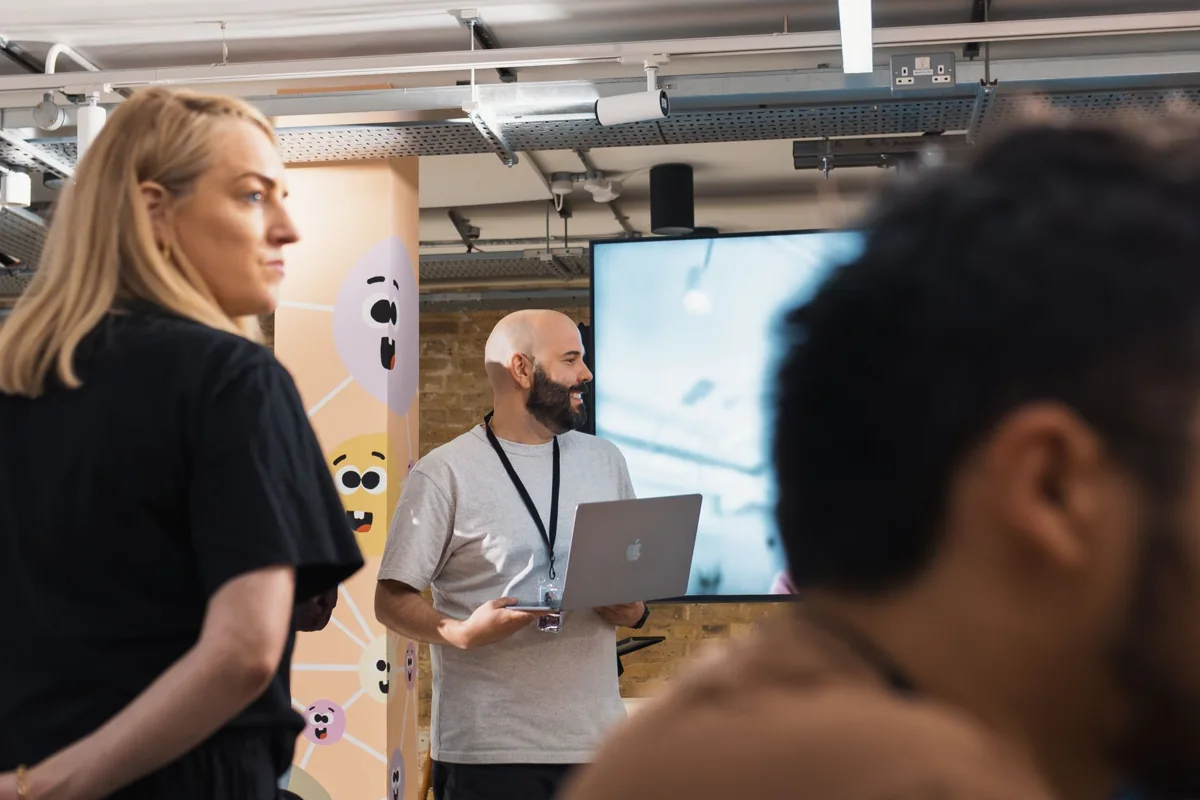
Illustrative photo. Content and exercises are defined for the group.
Pepro support
Explanations connected
to technical reality.
We also work on AI integration, GPU infrastructure and model optimisation. This practice connects concepts to their consequences: data to prepare, resources available, results to check and operations to plan.
What you will be able to find afterwards
Depending on the agreed programme: materials, exercise statements, answer keys or exercise files, plus instructions to repeat the hands-on work. Deliverables are specified in the proposal.
A follow-up, if your project needs one
Supported hands-on application can extend the workshop. Training, integration and follow-up are defined separately to keep objectives and responsibilities clear.
Organisation and budget
A defined programme
before booking calendars.
Pepro works from Paris and its Essonne base, in the Paris region or remotely depending on the format. The number of participants, prerequisites, duration, exercises, equipment and arrangements are confirmed with you.
The quote takes into account preparation, delivery, materials, any travel and compute resources. We choose a scope that is achievable in the time available.
Discuss the programme and budget ↗To organise your session
The questions
that prepare the ground.
We clarify these points before setting the content and arrangements. You can contact us even if your need is still open.
Do participants need to know how to code?
Not for every course. Usage workshops can be built without code. For technical work on models, prerequisites depend on the exercises chosen: Python, terminal or Linux basics, for example. They are specified before the session.
Can beginners and technical profiles be mixed?
Shared time can provide common ground, but hands-on work benefits from being adapted to the level. We review the group’s composition to choose accessible exercises and, if needed, separate sequences.
Can we use our own documents and business cases?
Yes, if rights, tools and processing conditions allow. We agree in advance on the examples that can be used. Fictitious or anonymised data can be used when real files are not suitable for the workshop.
Do we need a powerful computer or a GPU?
It depends on the programme. A usage workshop and hands-on work with a local model do not have the same needs. Computers, software, access and any compute resources are identified before the session; buying a GPU is not a systematic prerequisite.
What duration, how many participants and what price?
These are defined according to the objectives, level, share of practice and content to prepare. The proposal specifies duration, group size, arrangements, preparation, materials and any costs. We do not impose a single programme on every audience.
Do you work on site or remotely?
Pepro works from Paris and its Essonne base. A session in the Paris region or remotely can be considered depending on content and organisation. Venue, equipment, access and support arrangements are confirmed in the proposal.
Can Pepro create the materials without delivering the session?
An assignment to design technical or teaching content can be considered separately. We specify the audience, objectives, expected materials and what your trainers need to take them over.
How do we continue after the workshop?
The planned resources are handed over so the exercises can be repeated. Supported hands-on application, another sequence or integration work can be considered depending on your needs, with a separate scope.
Let’s prepare your workshop
By the end, what would you like
your team to be able to do?
Tell us the audience, its level, one or two use cases to work on and your scheduling constraints. We will build a programme proposal from these elements.
Let’s also talk on 09 88 06 54 06
Illustrative photographs: Matheus Bertelli / Pexels and workshop presentation. They do not show Pepro sessions, clients or trainers.