
GPU infrastructure
GPU server for AI: choosing, installing and commissioning
GPU server on premises, in the cloud or with a hosting provider: choosing cards, Linux, CUDA or ROCm, storage, networking and acceptance to commission your AI server.
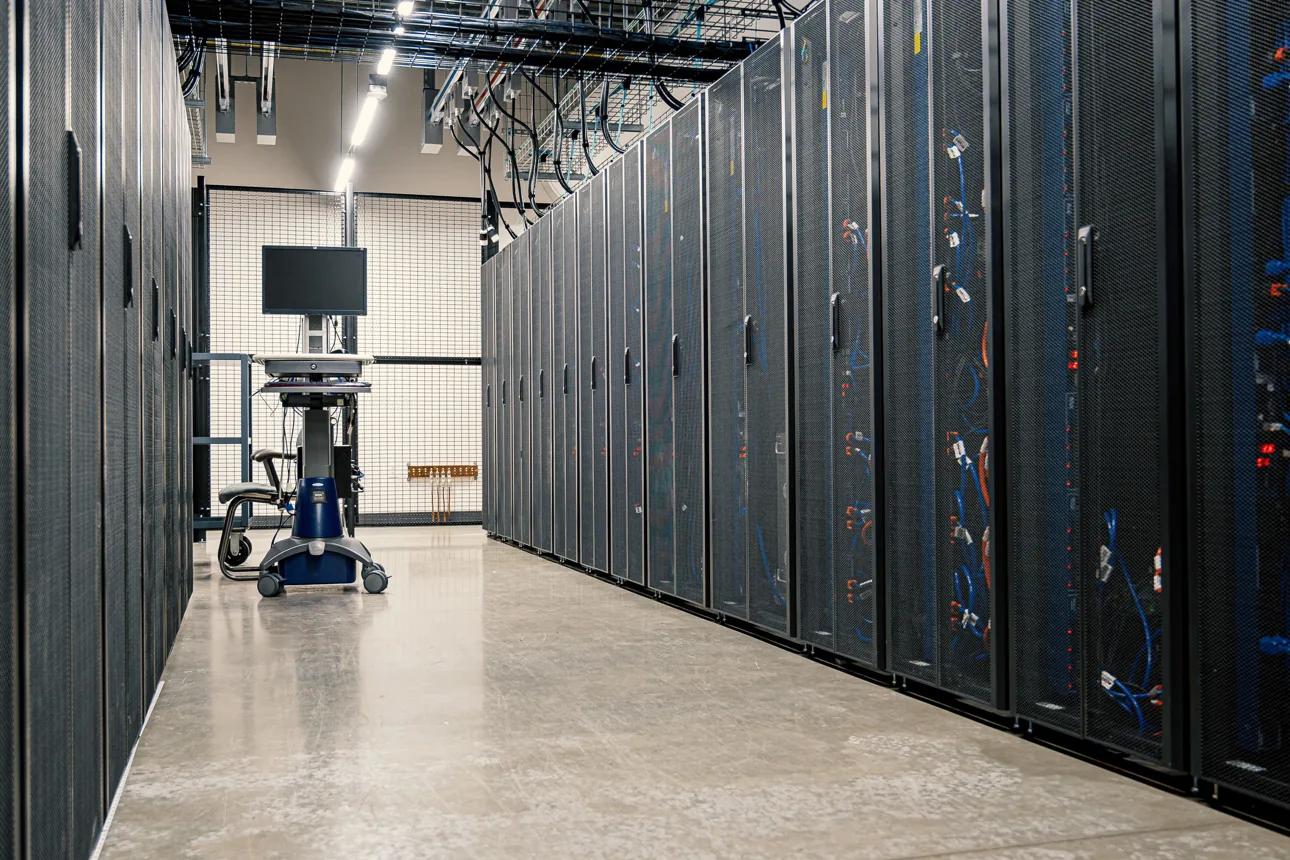
Buying a machine, renting resources or placing your own server with a hosting provider: all three options can meet a computing need. They do not split costs and responsibilities in the same way.
The first question: what workload needs to run?
Serving a model to several users, running occasional training jobs or running long computations do not load the infrastructure in the same way. Before comparing GPUs, describe the workload and how it changes over the week.
For an LLM, the memory taken by the weights is not the only memory required. Context, concurrent requests and the inference engine also count in the sizing. Validating on a representative case helps test the assumptions against real operation.
Installing on your premises
You keep the machine close at hand. You do, however, need to plan for power, cooling, noise, connectivity and the people who will administer it. A workstation in an office and a rack server do not have the same constraints.
Specify what must stay on site and what could use external services. Where the machine sits is not enough to describe every data flow.
Using cloud resources
This option can make it easier to experiment or to access a configuration occasionally. The comparison must include compute, but also storage, data transfers and related services.
Check which configurations are actually available, the data processing terms and the effort needed to rebuild your environment. Cloud and a purchased machine should be compared over a defined use and duration, not on two isolated prices.
Having your own server hosted
You can also own the machine and have it installed by a third party. Its configuration must then be checked against the host’s constraints: form factor, power, cooling, network, remote access and intervention terms.
Pepro can supply and prepare the server before it ships. Hosting remains a separate service, with its own terms and responsibilities.
Installing a graphics card or commissioning an AI server?
Installing a GPU in a computer and delivering an AI service to a team are two different needs. The card must be compatible with the machine, but the project also covers the operating system, drivers, applications, data and the people who will run it.
For a GPU workstation or server, check the form factor, power supply, cooling, PCIe slots and lanes, system memory and storage. The card model alone does not tell you the number of users or the throughput of your application.
Linux, CUDA or ROCm, Docker, vLLM and Slurm: what does each do?
| Component | Its role | What to validate |
|---|---|---|
| Linux, driver and CUDA or ROCm | Make GPU acceleration usable by software. | The exact combination of GPU, OS, driver and framework; not every card is supported. |
| Docker containers | Provide a reproducible software environment. | GPU access, dependencies, persistent data and permissions. |
| vLLM | Serve models for inference. | The supported model, its memory, context length and concurrent load. |
| Slurm | Organise access to resources and shared jobs. | Users, quotas, job queues, applications and storage. |
Slurm and vLLM do not replace each other: they can meet complementary needs within the same project. A standalone inference server does not necessarily need a cluster scheduler. The choice depends on your organisation and the applications to run.
Sizing storage and networking too
Models, datasets, versions and results do not all use storage in the same way. Distinguish data to keep, temporary files and backup copies. Useful throughput depends on the whole chain: drives, interfaces, network and concurrent access.
A faster network or distributed storage is justified by the workload and operating constraints. Start by describing data transfers and applications; do not choose a multi-node architecture simply because it looks more scalable.
What the acceptance report should include
- Hardware models and software versions chosen.
- Model, precision or quantisation, input and output lengths, and concurrency used for the test.
- Memory used, latency, time to first token and throughput under the stated conditions.
- Data access, permissions, restart and recovery procedure within the agreed scope.
- Documentation and responsibilities after delivery.
A tokens-per-second figure without the model, context or load is not enough to compare two configurations. For a machine going to a third-party host, add its form-factor, power, cooling, network and remote-access constraints before ordering.
Preparing a GPU workstation or server with Pepro.
We review the hardware to supply or already in place, Linux, the compatible environment, storage, networking and commissioning. See our acceptance process and our GPU server integration terms (in French).
Describe my GPU server project →Technical references: vLLM sizing and optimisation; the role of Slurm in shared computing. See also our guide to the physical and energy constraints of infrastructure (in French).